

SharePoint Survey Builder


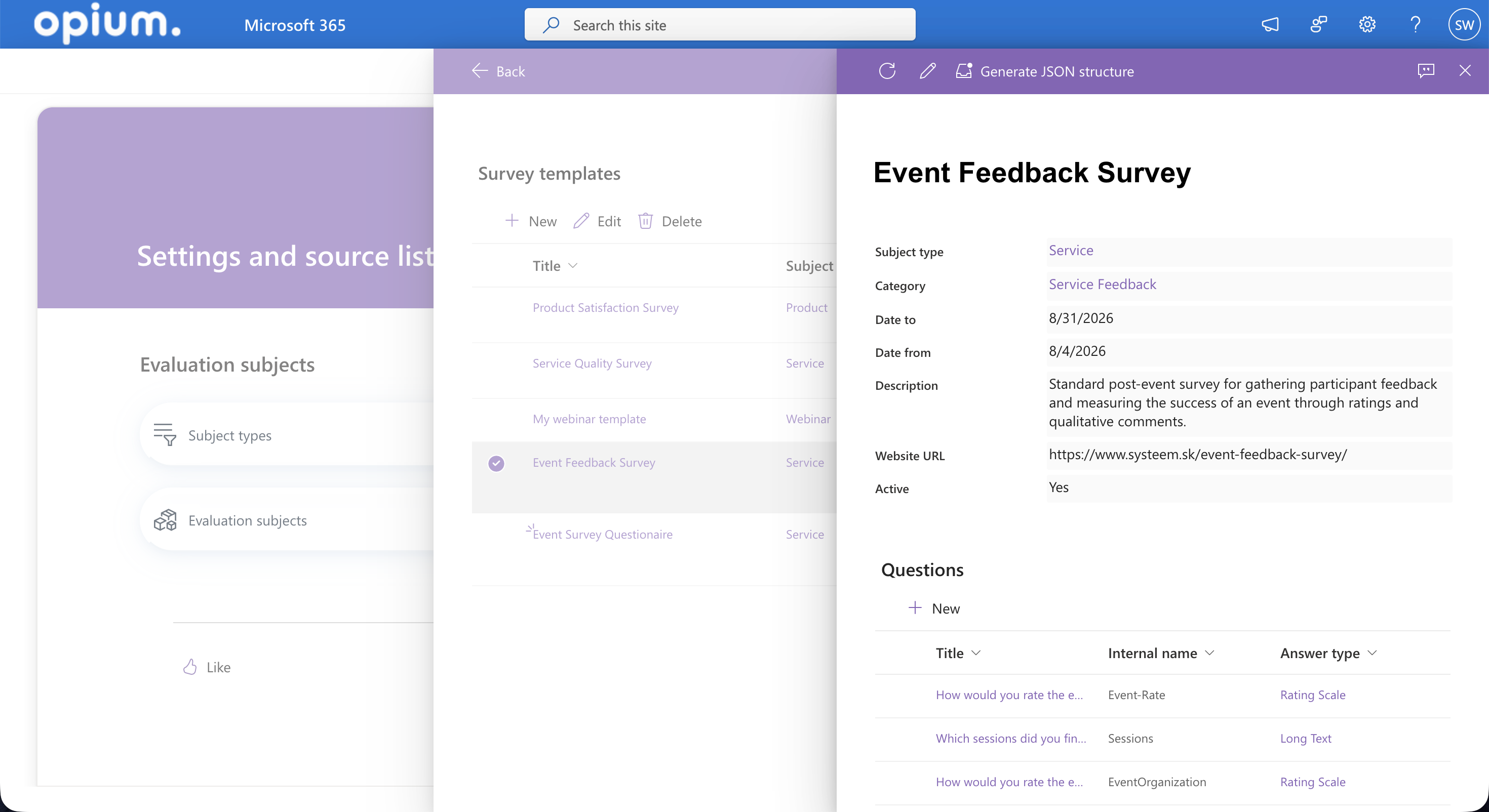

Collect feedback and get results without manual work
Build a questionnaire once, reuse it anywhere
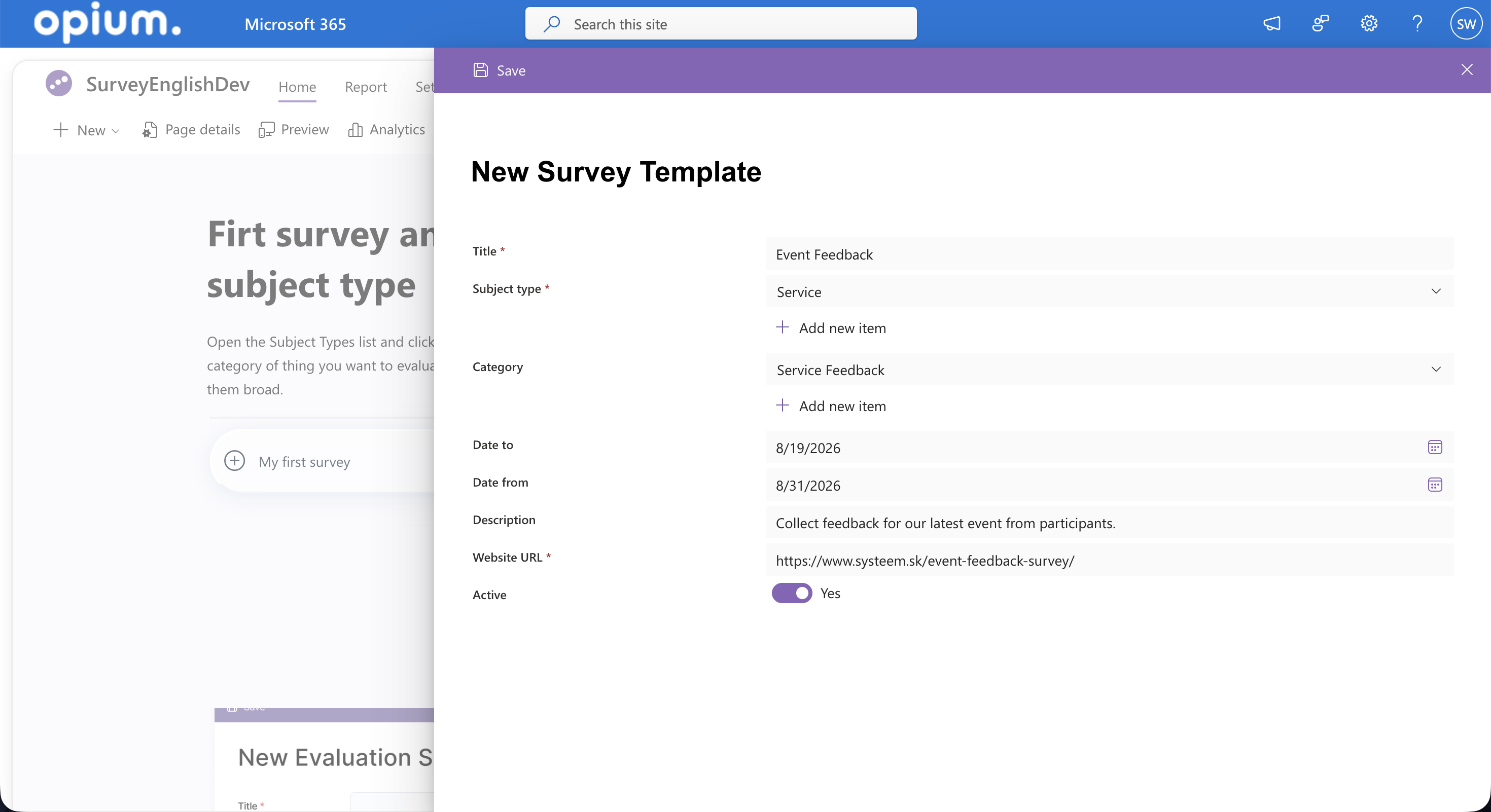
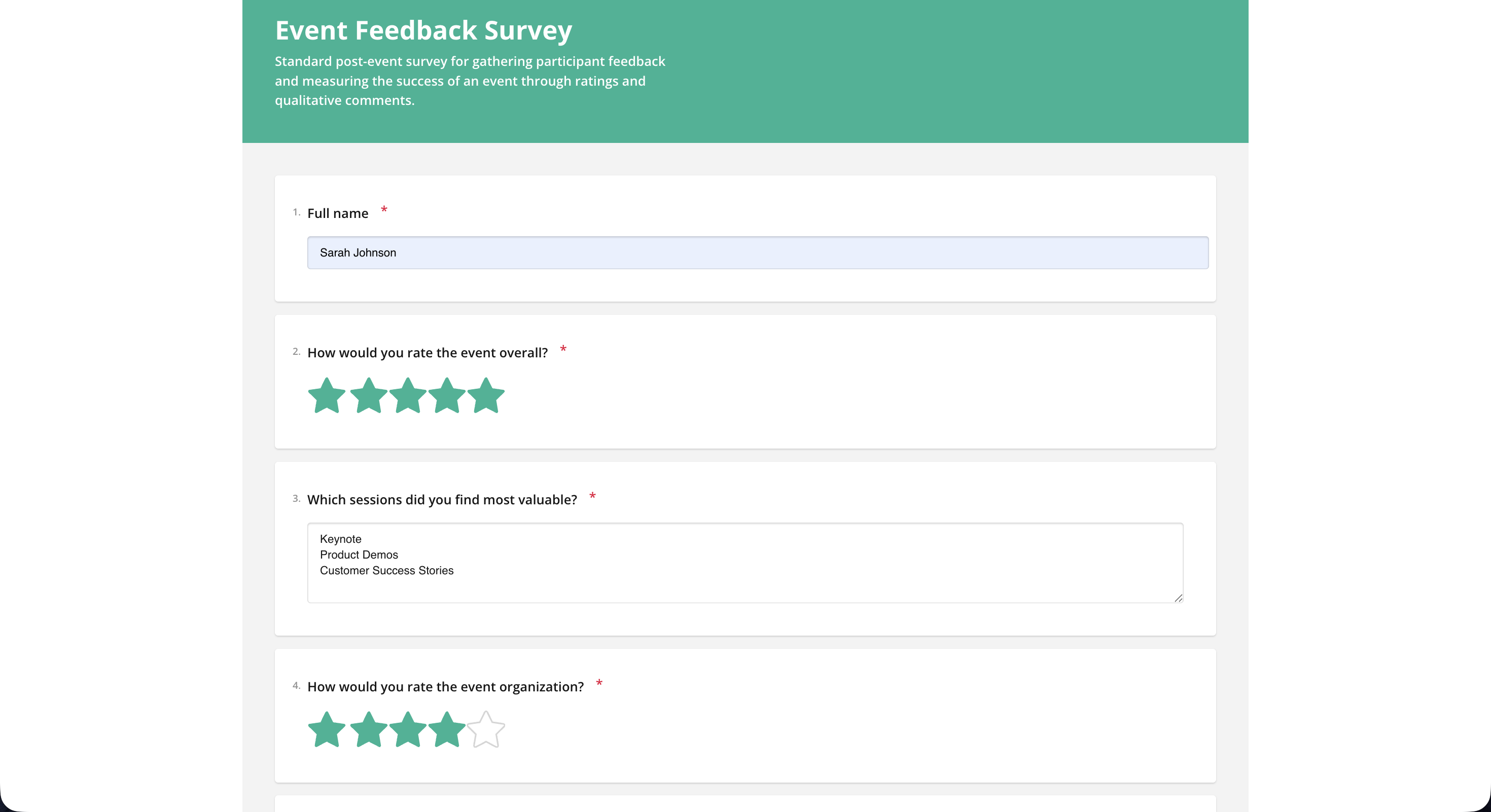
Share a link, get results that count themselves
Core features at a glance

Flexible answer types
Star ratings, yes/no, multiple choice, text, and numbers in one questionnaire.

Public survey links
Each survey gets a unique link, so respondents answer without access to your tenant.

Automatic evaluation
Responses are counted into percentages and averages, shown as charts and exportable as PDF.
🇨🇭 Swiss quality and support you can rely on
skybow combines Swiss quality with cutting-edge technology. For more than 10 years, we've provided innovative IT solutions and outstanding customer support.
We have a dedicated team of experts to provide you with the support you need. Whether you have questions, problems or need help getting the most out of your individual solution, we're here for you.
At skybow, we believe that customer support should be the backbone of any good IT company. And with our network of partners spanning over 40 countries, you can rest assured that help is never far away.


Built by process digitalisation specialists
Opium.systems s.r.o. digitalises business processes for companies, municipalities, and public organisations from Trnava, Slovakia.
Their approach is to build on the tools a client already pays for — intranets and Microsoft 365 implementations, custom CRM applications, workflow automation, and the cloud infrastructure underneath.
Alongside custom client projects they ship ready-made solutions. The Survey App is one of them.
They work in Slovak, Czech and English.


FAQs
About the solution

No. Surveys are answered on a public website through a unique link. Only the people who build and evaluate surveys work inside SharePoint.
Star ratings, yes/no, multiple choice, free text, and numbers. Each question gets its answer type assigned in the template.
Yes. A template is linked to a subject type, and each survey connects that template to a specific evaluation subject. The same questions work for a product, a service, or a branch.
In SharePoint lists in your own tenant. Responses arriving from the public survey page are written straight into those lists, together with the calculated results.
About skybow

Get a custom demo
Every company handles processes differently. We take the time to get to know your needs. Together, we'll make the best of your workflows.
